Google quietly handed every business a free way to measure AI-driven traffic, and almost nobody flipped the switch. On May 13, 2026, GA4 added a native AI Assistant channel that automatically groups visits coming from chatbots. If you’ve been guessing how much pipeline ChatGPT and Gemini send you, the guessing can stop this afternoon.
At NuroSparX we wire attribution end to end, and this is the cheapest win on the board. It costs nothing, takes minutes, and finally lets you put a number in front of a skeptical CFO instead of a hunch. Here’s exactly what changed, how to find it, and where it still falls short so you don’t over-trust it.
Short version
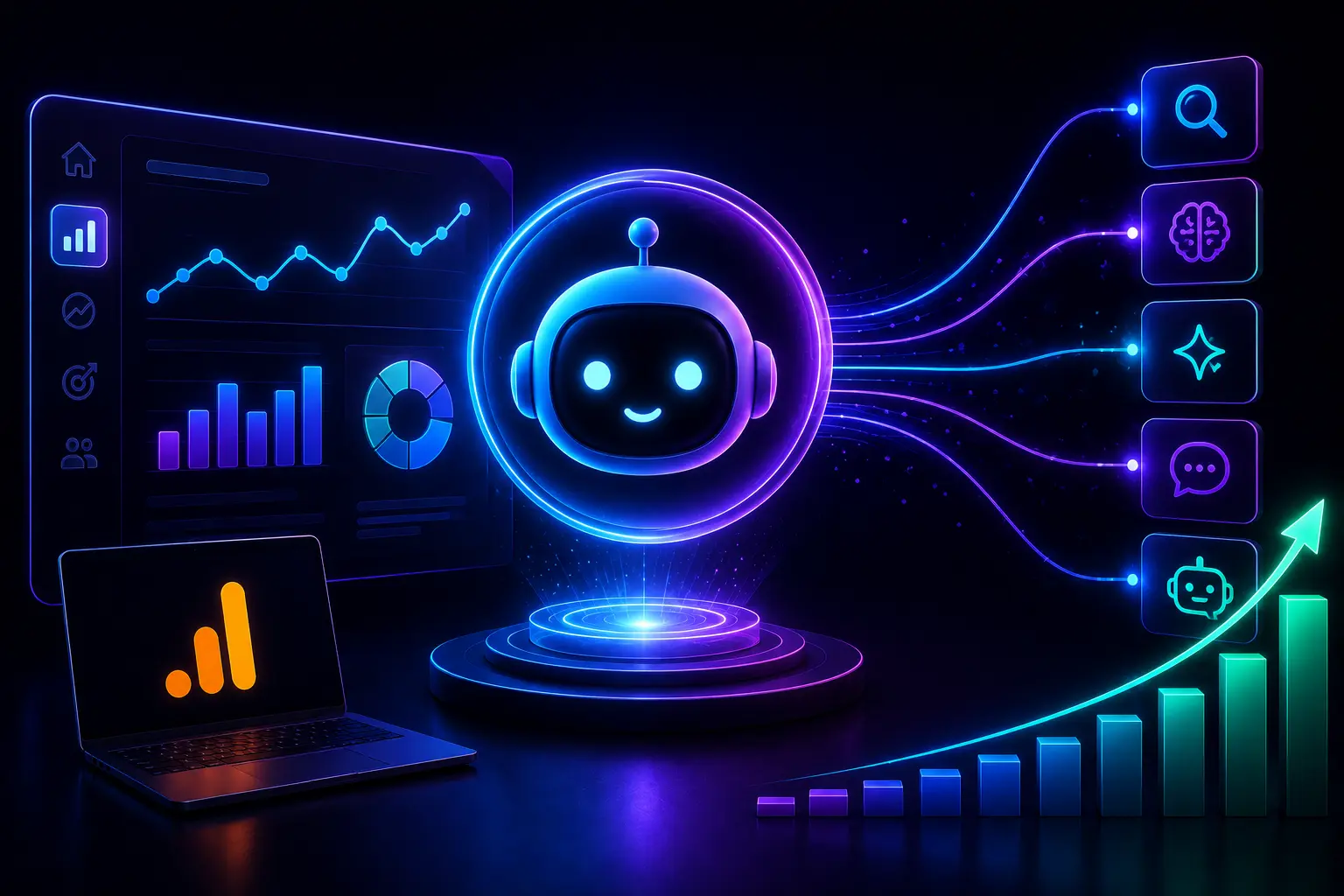
On May 13, 2026, GA4 added a native AI Assistant channel to its default channel group. When a visit arrives from a recognized AI domain, GA4 tags it with the medium ai-assistant and files it automatically. It currently recognizes ChatGPT, Gemini and Claude. You just need to confirm it’s showing.
What changed in GA4
GA4 now reads the referrer on incoming sessions and, when it matches a recognized AI domain, tags the visit with medium ai-assistant and groups it under a new AI Assistant channel. Before this, those visits were scattered across Referral and Direct, invisible as a category.
This rolled out on May 13, 2026 as part of GA4’s Default Channel Group, which means it applies to standard reports without any custom setup. Google’s published list of recognized sources names ChatGPT, Gemini and Claude. So if a prospect asks Gemini for the best fractional CMO in Austin, clicks through to your site, and books a call, that journey now lands in a column you can actually point at.
The reason this matters for a decision-maker is simple. You can’t justify spending on content, GEO, or AEO work if the resulting AI traffic is buried inside Direct. A named channel turns ‘AI is sending us traffic, trust me’ into a chart with a trend line.
How to find it in two minutes
Open Reports, go to Acquisition, then Traffic acquisition, and look for AI Assistant in the channel list. If you have recent chatbot referrals, it’ll appear there. You can also build an exploration filtered to session medium equals ai-assistant to isolate those visits and their conversions.
Because it’s part of the default channel group, there’s no toggle to enable in most accounts. The action item is to confirm it’s populating and then add it to the dashboards your team actually reads. Set up a comparison or a saved exploration that shows AI Assistant sessions, engaged sessions, and conversions side by side with Organic Search.
Tie it to a goal that matters. If your funnel runs LinkedIn post to blog to free audit, make sure your audit-request event is firing, then segment by AI Assistant. Now you can see not just visits but booked calls that started in a chatbot, which is the number that moves a budget conversation.
The big limitation: missing referrers
Between 35% and 70% of AI referral sessions arrive with no referrer and still land in Direct, so the AI Assistant channel undercounts. It also misses Perplexity and Copilot, which stay buried in Referral. The native channel is a floor, not a full picture.
This is the part to brief your CFO on so the number is honest. Because many AI tools strip the referrer, a real chunk of AI-sourced traffic never gets tagged. And because Google’s recognized list doesn’t yet include Perplexity, Copilot, DeepSeek or Grok, those visits sit in Referral. The native channel tells you ‘at least this much’ came from AI, which is still far better than zero visibility.
To close the gap we build a custom channel group with regex filters covering chatgpt.com, perplexity.ai, claude.ai, gemini.google.com and the newer entrants, plus UTM tagging on any links you control. That combination of GA4’s native channel and a custom group is how you get from a floor to something close to the true number.
Why this proves AI pipeline to a CFO
A skeptical CFO won’t fund AI search work on vibes. The AI Assistant channel, paired with conversion tracking, gives you a defensible chart: AI-sourced sessions, engaged sessions, and the leads or revenue they produced, trending over time. That turns a maybe into a line item.
We recently wired this for a B2B services client who suspected AI was sending buyers but couldn’t prove it. Once the channel was confirmed and conversions were segmented, AI Assistant sessions showed a clear month-over-month climb and a respectable lead rate. The content budget got approved in the next review because the story had a number attached.
This is the heart of our Analytics, Tracking and Funnel work. We connect the channel to your real conversion events, layer the custom regex group on top for full coverage, and build the one dashboard your leadership actually checks, so AI investment stops being a leap of faith.
What we’d do first
Want this proving AI pipeline by end of week? Run these five moves.
- Open GA4, go to Acquisition and Traffic acquisition, and confirm the AI Assistant channel is showing data.
- Build a saved exploration filtered to session medium equals ai-assistant to isolate chatbot visits.
- Make sure your core conversion event, like a free-audit request, is firing, then segment it by AI Assistant.
- Add a custom channel group with regex for Perplexity, Copilot, DeepSeek and Grok to catch what the native channel misses.
- Brief your CFO that the native number is a floor, then show the AI-sourced conversion trend, not just sessions.
Bottom line
The AI Assistant channel is the rare free upgrade that takes minutes and pays off in board meetings. Confirm it’s on, connect it to your conversions, and patch the gaps it leaves with a custom group. If you want us to wire the full picture, including the platforms GA4 still misses, and hand your leadership one dashboard that proves AI-sourced pipeline, book a free analytics audit and we’ll set it up with you.
Frequently Asked Questions
Do I have to enable the GA4 AI Assistant channel manually?
In most accounts it’s part of the default channel group and appears automatically. Your job is to confirm it’s populating and add it to the reports your team reads.
Which AI platforms does it track?
Google’s recognized list names ChatGPT, Gemini and Claude. Perplexity, Copilot and newer tools aren’t included yet, so they stay in Referral until you add a custom filter.
Why is my AI traffic still low in the report?
Between 35% and 70% of AI referral visits arrive without a referrer and land in Direct, so the native channel undercounts. Treat the number as a floor and add a custom channel group for fuller coverage.
Can I see leads from AI, not just visits?
Yes. Segment your conversion event by the AI Assistant channel in an exploration. That shows booked calls or form fills that started in a chatbot, which is the number a CFO cares about.
How do I catch Perplexity and Copilot traffic?
Build a custom channel group with regex filters covering perplexity.ai, copilot domains, and other entrants, then combine it with the native channel for near-complete attribution.