

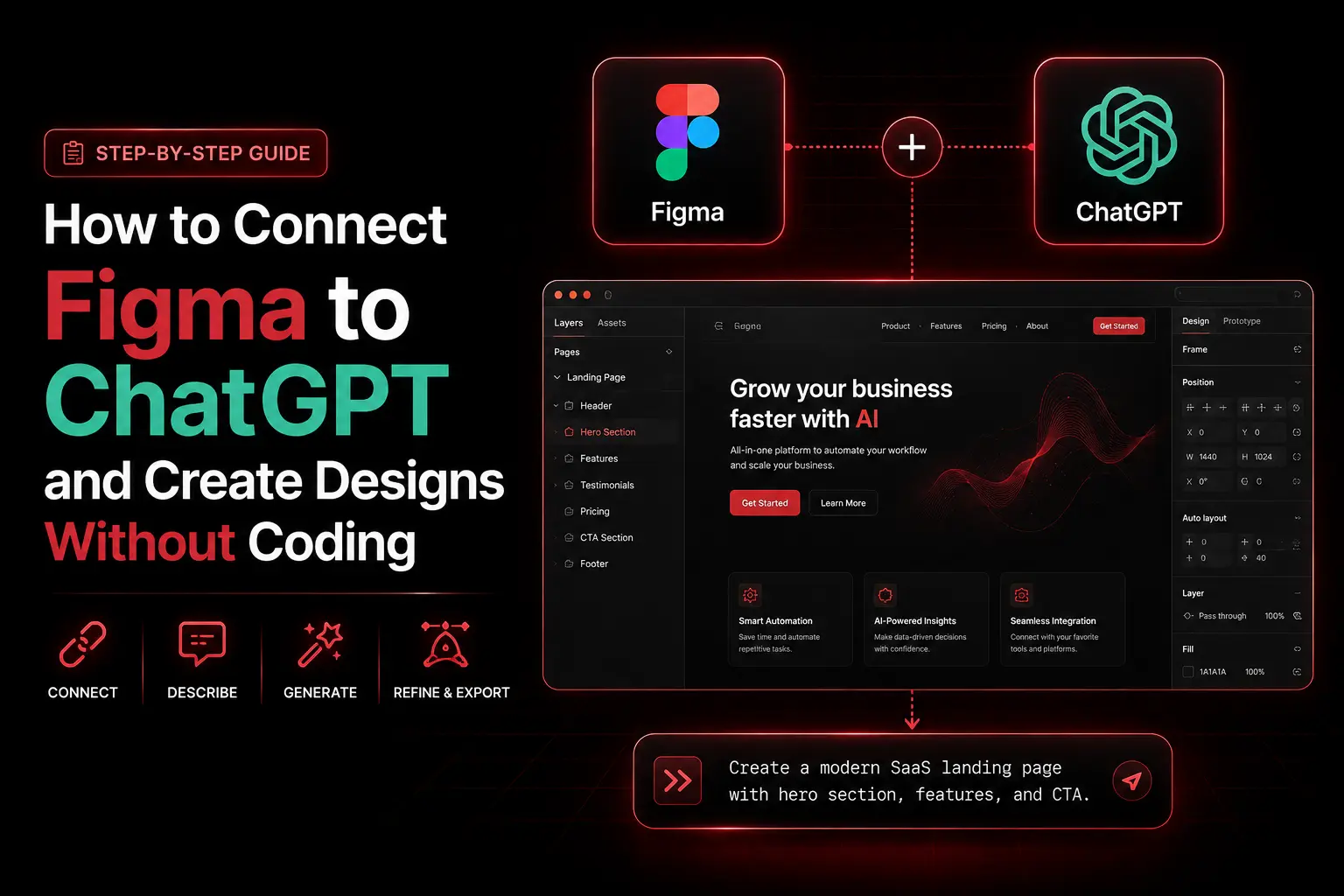
You can connect Figma and ChatGPT to turn a plain-English request into a full design brief (color palette, typography, spacing, and component specs) in seconds, with no coding required. The honest framing matters: this is not ChatGPT drawing your screens inside Figma. It is ChatGPT doing the planning work that normally eats your designer’s morning, so they open Figma already knowing exactly what to build. At NuroSparX, we set up these workflows for marketing teams that are stuck in endless review cycles, and the result is consistent: the same designer ships noticeably more, because alignment happens before the first frame.
This guide covers two real methods. The manual workflow that anyone can run today, and an automated handoff using Make.com that respects what the Figma API can and cannot actually do. We will be precise about that boundary, because most guides online get it wrong and send readers chasing an integration that does not exist.
Want results like this for your business?
NuroSparX builds AI-powered growth engines for SMBs doing $5M-$100M. Let’s talk.
Get a Free Growth AuditWhat Does Connecting Figma and ChatGPT Actually Mean?
Connecting Figma and ChatGPT means using ChatGPT to generate the specifications for a design (palette, type scale, spacing, component list, layout structure) and then building those specs in Figma as styles, variables, and components. ChatGPT handles the thinking; the designer handles the making. The Figma API does not let an AI lay out your canvas for you, so the connection is about feeding decisions into Figma, not automating the drawing.
Method 1: The Manual ChatGPT to Figma Workflow
The simplest connection is by hand, in the right order. It needs no integration and works on the free tier of both tools.
- Get a design brief from ChatGPT. Prompt it with the specifics: “I need a design brief for a landing page selling AI social-media scheduling software to freelancers. Include a hero, feature cards, pricing table, and CTAs. Give me a color palette with hex codes, typography (families and sizes), spacing in rem units, and the reusable components I will need in Figma.” ChatGPT returns named colors (for example Primary Blue
#0066FF, Charcoal#1A1A1A, Accent#FF6B35), a type scale (Inter 700 at 32px for H1, 16px body), spacing tokens (8px base, 32px section padding), and a component list. - Add the values to Figma as styles and variables. Create color styles named exactly as the brief specifies, set up matching text styles, and store spacing as Figma variables. Naming them to match the brief keeps everything traceable.
- Build components from the spec. Your designer builds each component knowing the exact colors, fonts, and sizes. No debate about whether a button is 44px or 48px, because the spec already settled it.
- Generate documentation with ChatGPT again. Screenshot the finished Figma library and feed it back: “Create component documentation with usage rules, do’s and don’ts, and accessibility notes for each.” You get a usage guide in minutes.
This loop turns vague requests into a buildable plan, which is the real bottleneck in most design teams.
Method 2: Automating the Handoff with Make.com (What’s Actually Possible)
Here is where accuracy matters. You can automate part of this with Make.com, the no-code automation platform, but you cannot have Make build your Figma canvas. According to Figma’s own developer documentation, the Figma REST API is largely read-only: write access covers only comments, variables, and dev resources, while files, components, styles, and other design content can only be read. Creating frames and text layers requires Figma’s Plugin API, which runs inside the Figma editor and needs a person to trigger it. It cannot run headless from Make in the background.
So an automated workflow that claims to “create a frame in Figma and add text elements” through the API is describing something the API does not support. What you can genuinely automate is the handoff:
- Trigger: a Google Form submission or a webhook describing the design you need.
- Generate: Make sends the form data to ChatGPT through the OpenAI module, which returns a structured brief.
- Deliver where the designer works: Make posts that brief as a comment on the relevant Figma file using the REST API comment endpoint, or routes it to Slack, Notion, or a Google Doc. The brief lands next to the work without anyone copy-pasting it.
- Optional token sync: on Figma’s Enterprise plan, the REST API can write to Figma Variables, so an automation can push ChatGPT-generated color and spacing tokens straight into your variable collections.
If you truly want AI to place content on the canvas, the right tool is a ChatGPT-powered Figma plugin (built on the Plugin API), which a designer runs from inside Figma. That is a different build than a Make scenario, and it is worth knowing the difference before you invest an afternoon. For the broader pattern of wiring ChatGPT into automated pipelines, see our guide on building AI content workflows with Make.com and ChatGPT.
How to Design a Landing Page with ChatGPT and Figma: Step by Step
Here is a full example, start to finish, for a B2B SaaS landing page you need in three days.
- Brief ChatGPT (5 minutes). “Create a design brief for a B2B SaaS landing page promoting an AI Meeting Assistant feature. Audience: VP of Sales at mid-market companies. Benefit: save five hours a week on meeting notes. Include palette, typography, section layout and hierarchy, reusable components, accessibility, mobile rules, and CTA strategy.”
- Review the response. ChatGPT returns named brand colors (a professional primary, an energetic accent, a success green, plus neutrals), a type scale (H1 around 56 to 64px down to 14px small text), a section layout (hero, problem, features grid, metrics, CTA, FAQ), a component list, WCAG AA contrast targets, 44px minimum touch targets, and mobile reductions. Read it critically and adjust anything off-brand.
- Set up Figma tokens. Create color and text styles from the brief so every component pulls from the same source. This is what makes later edits painless.
- Build the components. Your designer builds the CTA button, feature card, metric card, and navigation bar from the spec, using the styles you just created.
- Assemble the layout. With components ready, lay out the page sections following the brief’s hierarchy.
- Iterate through tokens, not redesigns. When a stakeholder says “too corporate, make it friendlier,” prompt ChatGPT for palette adjustments, update your Figma color styles, and every component using those styles updates at once. This is the real payoff: feedback becomes a token change, not a rebuild.
Generating Palettes, Type, and Components with ChatGPT
ChatGPT is at its best producing the parts that usually cost a designer hours of setup.
For a color palette, prompt with the brand feel and audience: “I need a palette for a wellness app for women aged 25 to 40 that feels calming, trusted, and premium. Give me eight colors with hex codes, names, and usage guidelines.” You get a usable set with assignments (for example a sage green primary for headers and buttons, a rose-gold accent for CTAs, deep navy for body text), which you drop into Figma as named styles.
For typography, ask for a pairing and a full scale: “Create a type system for a premium-but-accessible wellness app, with font pairings, sizes, line heights, and letter spacing for web.” A typical answer pairs a display face with a readable body face and gives a desktop scale plus responsive reductions for tablet and mobile.
For a component library, ask for the blueprint: “List the reusable components to build in Figma for a SaaS product, with variants, states, and key properties.” ChatGPT returns buttons with state variants, input fields, cards, badges, alerts, modals, dropdowns, navigation, tabs, and pagination, each with sizes and rules your designer can build directly.
Manual vs Automated vs Figma’s Own AI: How to Choose
In 2026 there is a third option the original playbooks ignore: Figma now ships native AI, including first-draft generation and Figma Make for generating interactive UI. Use this framework to pick.
| Criteria | Manual ChatGPT + Figma | Automated handoff (Make) | Figma’s native AI |
| Setup effort | Minutes, no integration | Moderate, one-time build | Built into Figma |
| What it produces | Briefs, tokens, specs | Briefs delivered to the file | First-draft frames and UI |
| Canvas building | Designer builds | Designer builds | Figma generates a starting point |
| Best for | Any team, today | Repeatable intake at volume | Fast first drafts inside Figma |
| Cost | ChatGPT usage only | Make credits + API | Included in paid Figma seats (AI credits) |
| Main limitation | Copy-paste between tools | API cannot draw the canvas | Output still needs human polish |
| No | Yes | Paid tool only |
The rule we give clients: start manual, automate the handoff once you have repeatable design intake, and lean on Figma’s native AI for quick first drafts. They are complementary, not competing. ChatGPT is strong at structured specs and copy, Figma AI is strong at producing a visual starting point, and your designer is what turns either into something on-brand.
When to Use ChatGPT for Design, and When Not To
ChatGPT earns its place on design systems and specifications, palettes and type decisions, component architecture, briefs, batch template specs, copy refinement, accessibility guidelines, and layout hierarchy. It is weak exactly where humans are strong: original visual creativity, custom illustration, brand identity from scratch, the emotional tone of a design, complex interaction testing, and pixel-level polish. The reliable split is simple. ChatGPT handles the thinking, humans handle the creating.
Mistakes That Undermine an AI Design Workflow
Three errors cause most of the disappointment teams report.
- Expecting the AI to build the canvas. Whether through ChatGPT or the Figma API, no current tool will lay out a finished, on-brand screen for you automatically. Treat AI output as a starting spec or draft, never the final design.
- Skipping the token setup. The entire benefit of “feedback becomes iteration” depends on building colors, type, and spacing as Figma styles and variables first. Hard-coded values mean every change is a manual rebuild.
- Publishing AI output unreviewed. Models invent plausible-looking specs that miss brand nuance or accessibility. Always have a designer review the brief and the build before anything ships.
Frequently Asked Questions
Will ChatGPT replace my designer?
No. ChatGPT cannot create visual design, complex interactions, or brand identity. It excels at the planning work before design: palettes, type, spacing, structure, and documentation. That frees your designer for creative judgment and polish. Designers who use ChatGPT for the groundwork simply move faster.
Can I use free ChatGPT or do I need a paid plan?
Free ChatGPT works for manual briefs. A paid plan is faster and more reliable for heavy use, and the OpenAI API is what you need for any Make.com automation. Brief-writing is text-only and inexpensive, often just cents per brief on a modern, lower-cost model, so confirm current rates in the OpenAI dashboard.
Can Make.com really build my Figma file automatically?
No, and any guide claiming this is wrong. The Figma REST API is read-only for design content; it can post comments and, on Enterprise, write variables, but it cannot create frames or text layers. Automation can deliver a ChatGPT brief into Figma as a comment or sync design tokens, but a designer or a Figma plugin still builds the canvas.
Does ChatGPT understand Figma’s features like Variables and components?
Not deeply. ChatGPT produces the logic and structure, and your designer translates it into Figma’s Variables, component properties, and auto-layout. Think of ChatGPT as the architect and the designer as the builder who knows the toolset.
How much does this cost to run in 2026?
A lean stack is modest. Figma uses seat-based pricing (a free Starter tier, paid editor seats that run roughly $12 to $20 per editor per month on Professional depending on seat type and billing, with Organization and Enterprise higher), plus inexpensive ChatGPT API usage and optional Make.com credits. Check each vendor’s live pricing, since Figma’s seats and AI credits and the model rates all change.
What if my team has no design background?
This is the ideal use case. ChatGPT gives you a design roadmap without an in-house designer, which you can then hand to a freelancer or build with trained team members. You manage the process and the AI supplies the structure.
Ready to Turn Your Design Bottleneck Into Throughput?
The bottleneck in design is rarely creativity. It is alignment, knowing what to build before building it, and that is exactly what connecting Figma and ChatGPT solves. Used honestly, with the AI handling specs and your people handling craft, a small team ships like a larger one. If you want help wiring AI into your design and marketing operations the right way, book a free growth audit and we will map where automation actually saves you time. Questions first? Reach the team through our contact page.